Need a great WooCommerce wishlist plugin?
How about a WooCommerce gift registry plugin?
WooCommerce Wishlist & Gift Registry Pro allows you to include wishlist or gift registry functionality into your WooCommerce site – and it works similar to Amazon.com’s lists.
Compare us to the alternatives and you’ll see that WooCommerce Wishlists & Gift Registry Pro has more features, more flexibility, and far better support. You’ve found the original and most powerful Wishlists & Gift Registry plugin for WooCommerce.
Logged in customers and guest users browsing your store can create wishlists and gift registries, and they can create as many as they need.
If you disable the guest feature in the plugin settings then when a shopper tries to add an item to a list they be shown a message asking them to login or register.
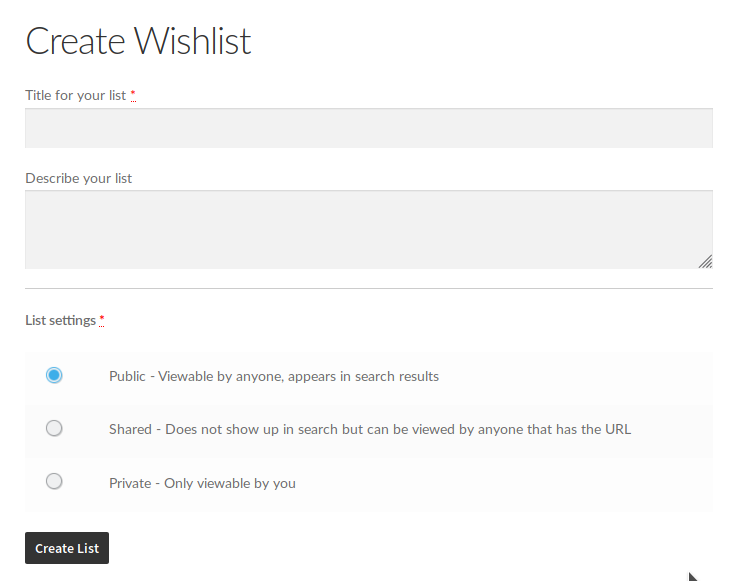
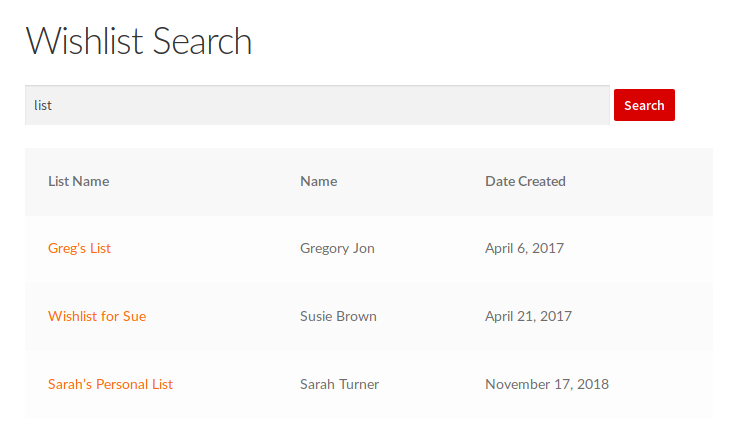
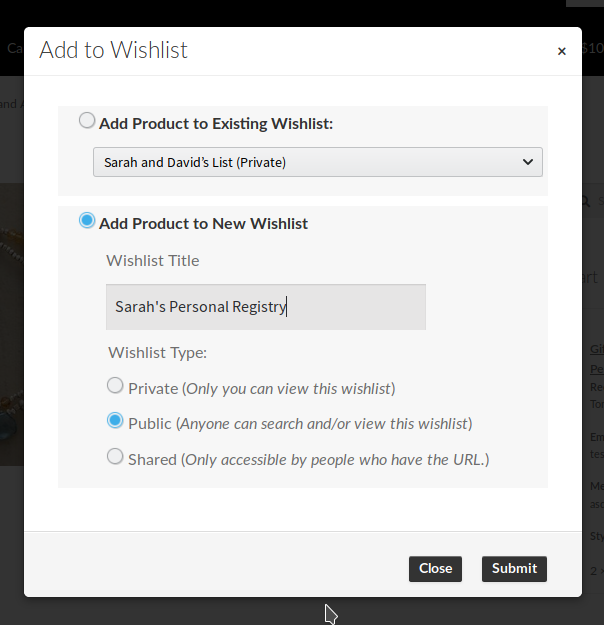
Your shoppers can create lists with whatever level of privacy they desire. Public wishlists are viewable by anyone and appear in search results if the search terms match the wishlist title. Shared wishlists do not show up in search, but are viewable by anyone that has the URL that links to the wishlist. Private wishlists are only viewable by the wishlist owner.
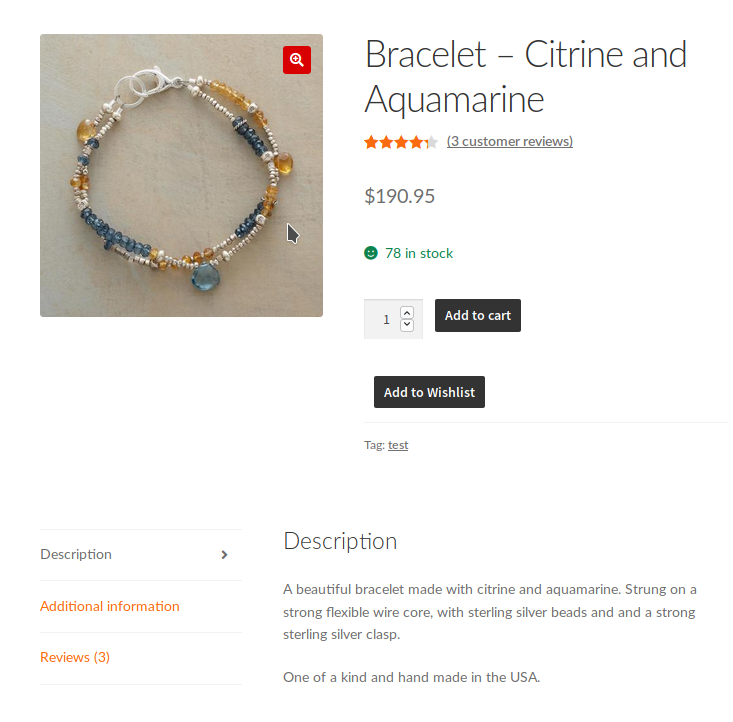
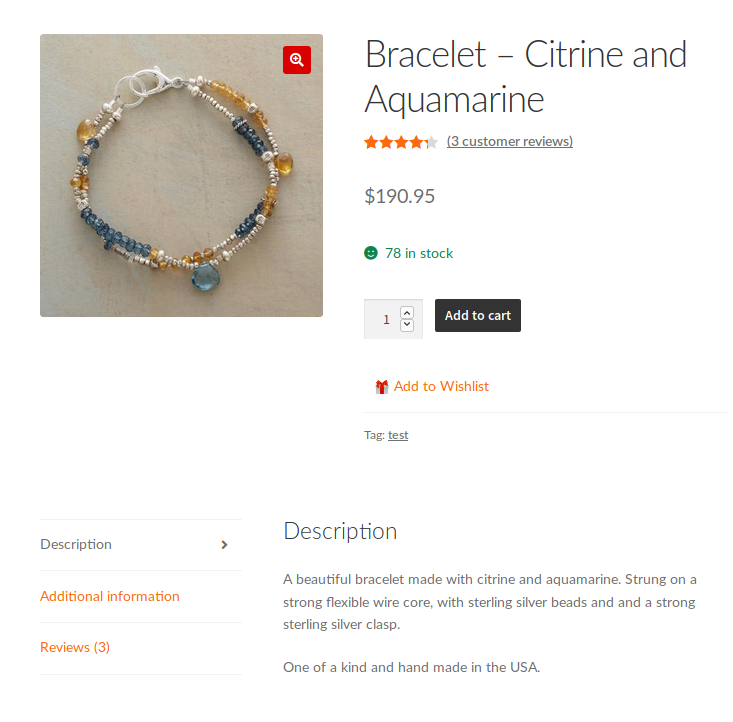
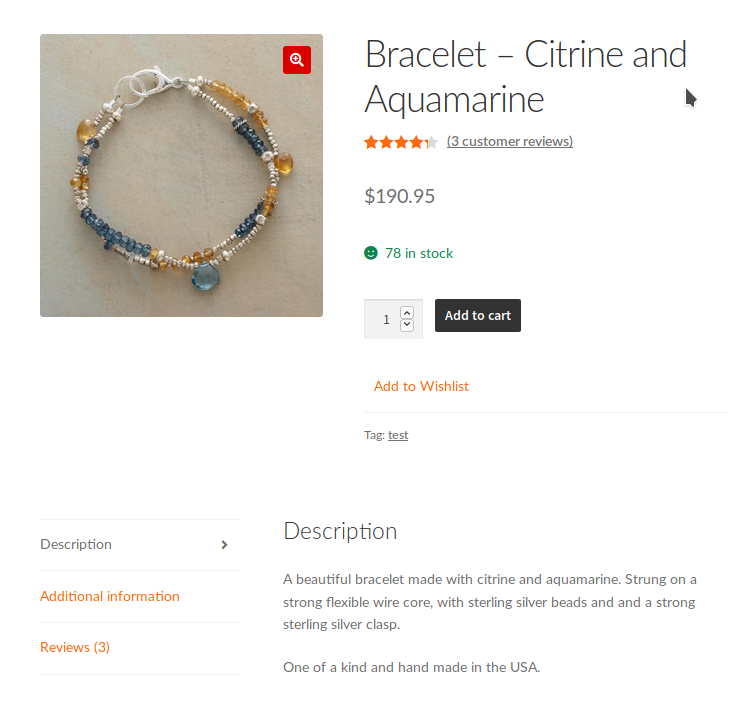
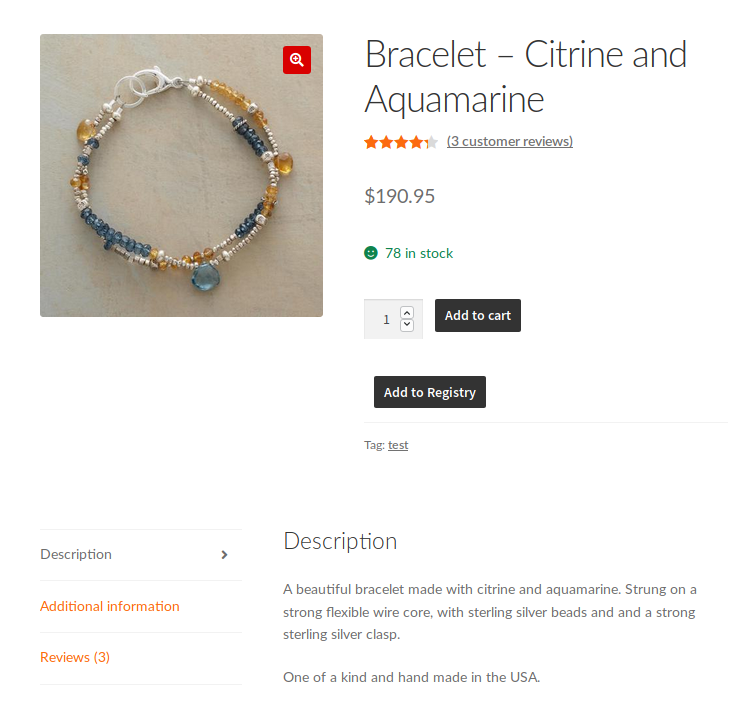
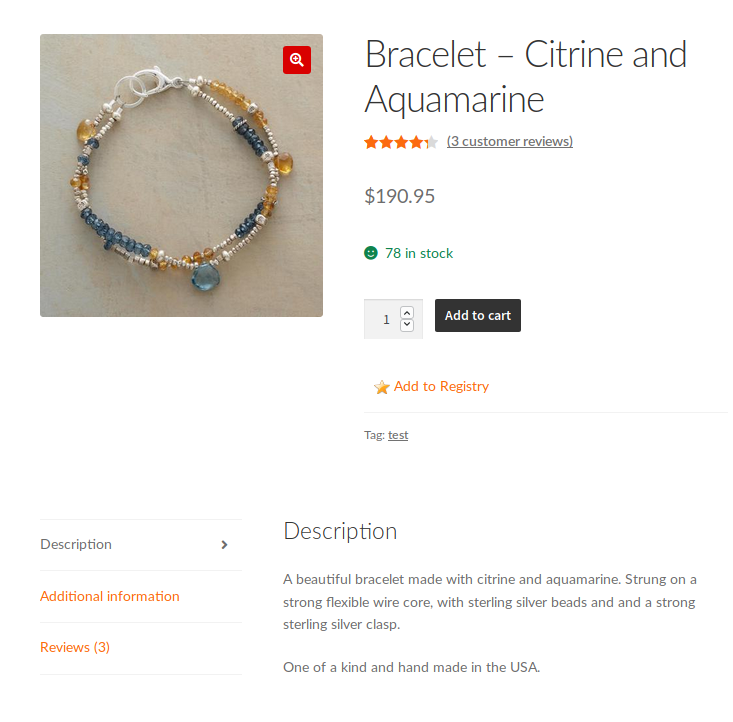
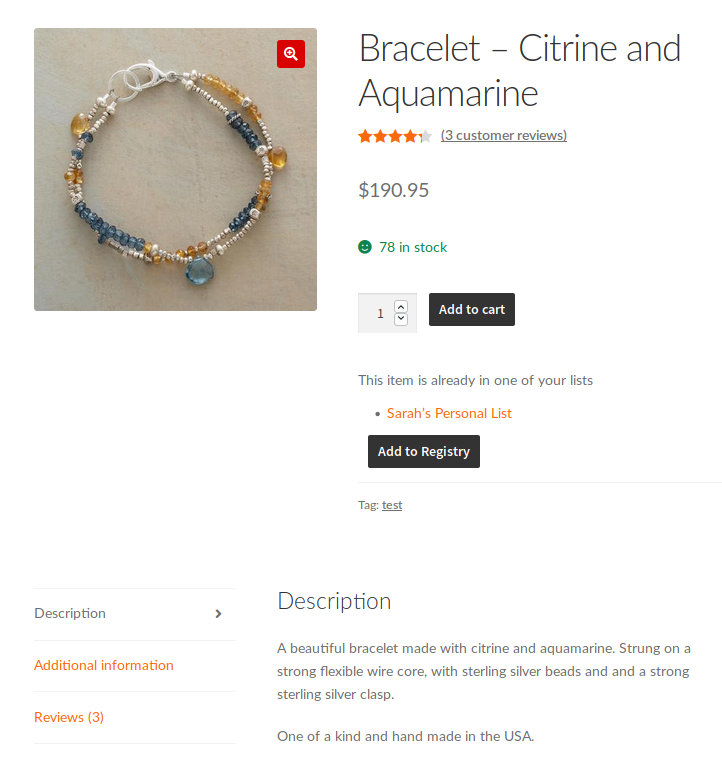
An “Add to List” button or link is always shown on individual product pages. You can also enable a setting to optionally display the “Add to List” button or link on your main shop pages, product category pages, and product tag pages.
The plugin adds a button or link (based your settings) to each single product page for simple, variable, and external products.
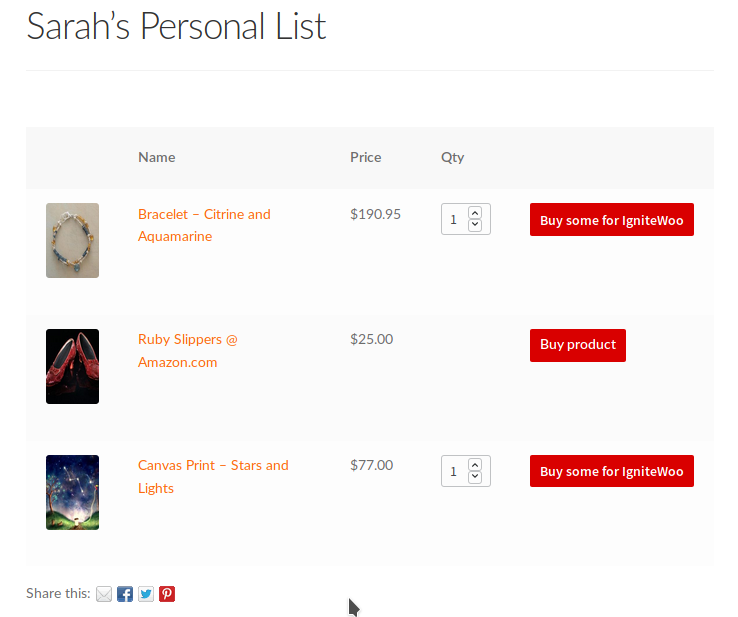
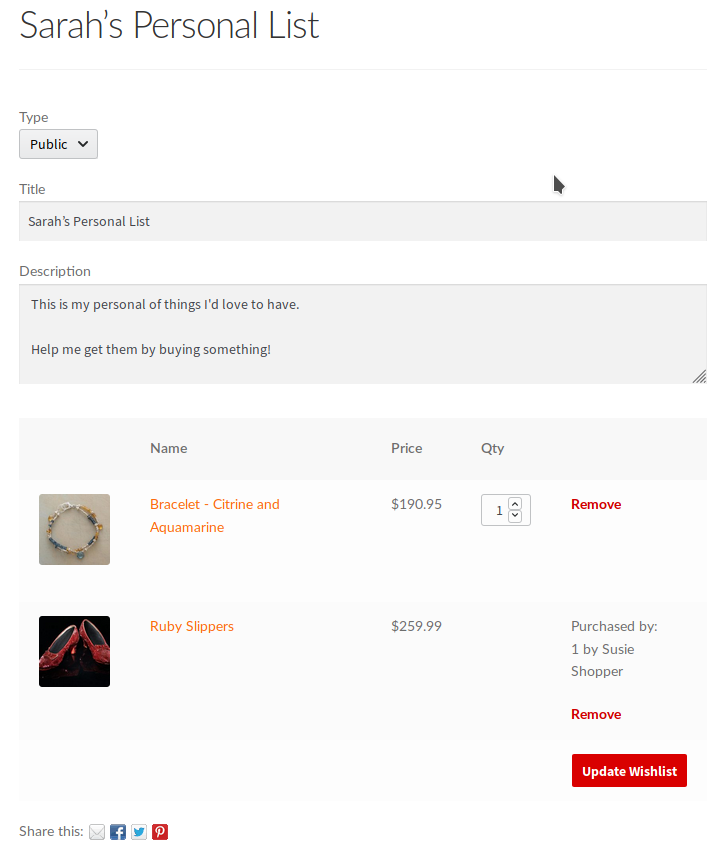
For simple and variable The shopper can select a quantity as usual, plus any variation attributes if the product is variable, and add the item to the list. All the shopper’s selections (quantity and variation attributes) are carried over into their list. So when someone else views the list they easily see which items the list owner wants, how many they want, and what varieties they want.
For external products, a shopper can add those items to their list. When someone views the list and clicks the button buy they are redirected to the external site.
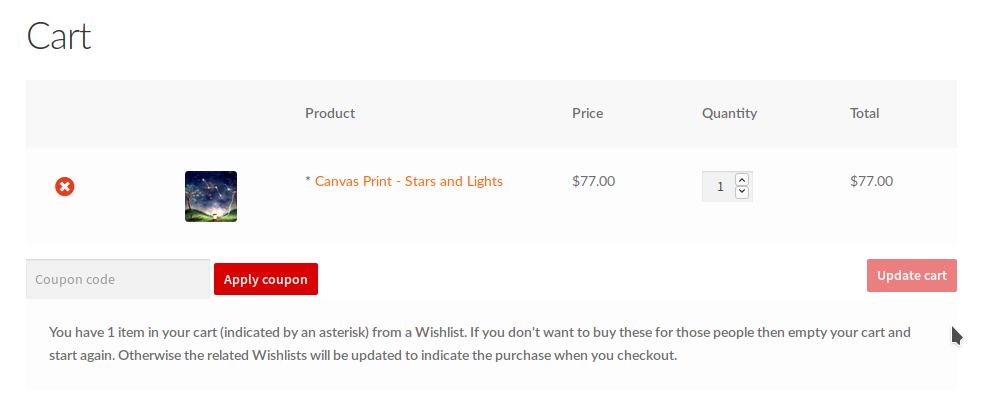
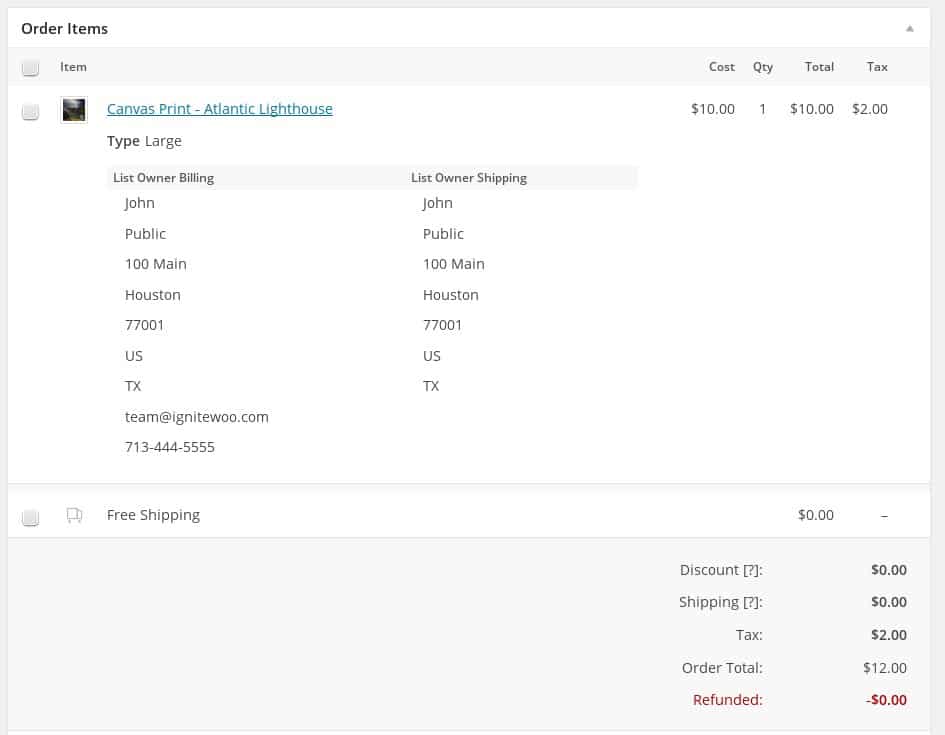
Anyone that can view a list can buy an item for the list owner simply by viewing the wishlist and clicking an item to add it to their cart. When a shopper buys an item from a list their purchase is tracked so that the list owners can see that someone bought an item on the list. When admins are viewing an order in the admin area, any items in the order that were purchased from a list include the list owner’s billing and shipping information for easy reference.
And at checkout the shopper can opt to have write a message that will be automatically sent to the wishlist owner. The shopper can also select whether to ship list items to the list owner or themselves.
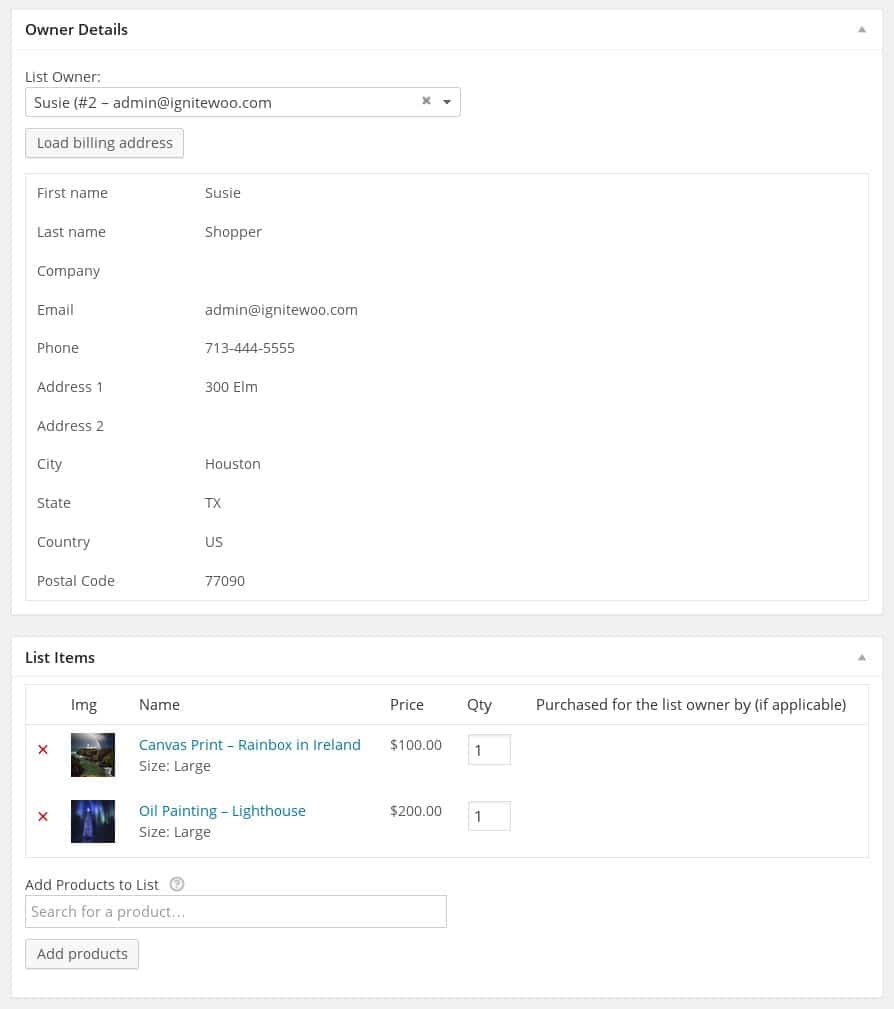
As a site administrator you have complete access to all lists created on your site, and you can manually add new lists for shoppers if you need to. Easy add or remove items from a list, adjust the item quantities desired, switch the list owner to another user, and view the list owner’s complete billing contact information.
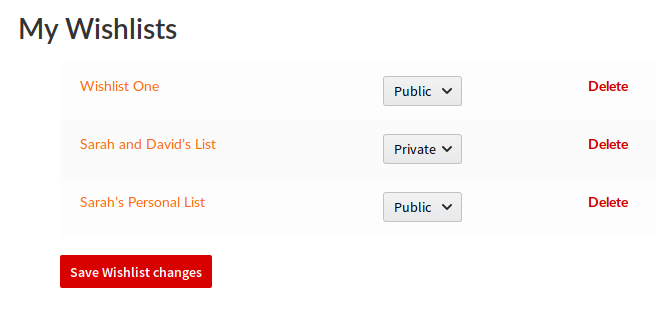
When a shopper creates a new list they can choose to set the visibility to public, private, or shared. After a list has been created the logged in list owner can add or remove items, change the item quantities desired, and change the list visibility. And every list created by the shopper is listed on their My Account page for easy access.
If you enable commenting on your site then visitors viewing a wishlist can post comments on public and shared wishlists, logged in users can comment on their own private wishlists too.
This feature obeys your comment settings, so if comments are disable the no user can comment on wishlists.
And, every wishlist display a set of social sharing icons for Facebook, Twitter, Pinterest, and Email – with no additional plugins are required!
Choose whether to enable lists for all shoppers or only logged in customers. Configure the “add to list” label text ( for example: Add to Wishlist, Add to Registry, etc ), and select how to present the “Add” link ( button, plain text, or plain text with any 16 nice looking icons )
And wishlists have their own unique URLs and are displayed using a customizable template included with the plugin. The plugin also includes shortcodes to embed a wishlist anywhere on your site, to embed a custom wishlist search form wherever you need it.
Optionally use a shortcode to create a page on your site where shoppers create a list. Shioppers can pick a title, set a description, and list type.
Optionally use a shortcode to create a page on your site where shoppers can search for a list by a person’s name, email address, or list title.
The plugin includes a REST API to read lists and orders that contain list items.
Compatibility: WooCommerce 6.0 and newer
Latest version: 4.5
This plugin comes with great support via email and phone!